setup
2026-05-13
Docker Runner (API only)
Learn how to configure and run the Bot Creator Runner in API mode via Docker for optimal bot synchronization.
Read guide chevron_rightDesign slash commands visually, switch to BDScript when you want precision, and keep logs, sync, and runtime control in the same product.
Joined by +1,000 creators
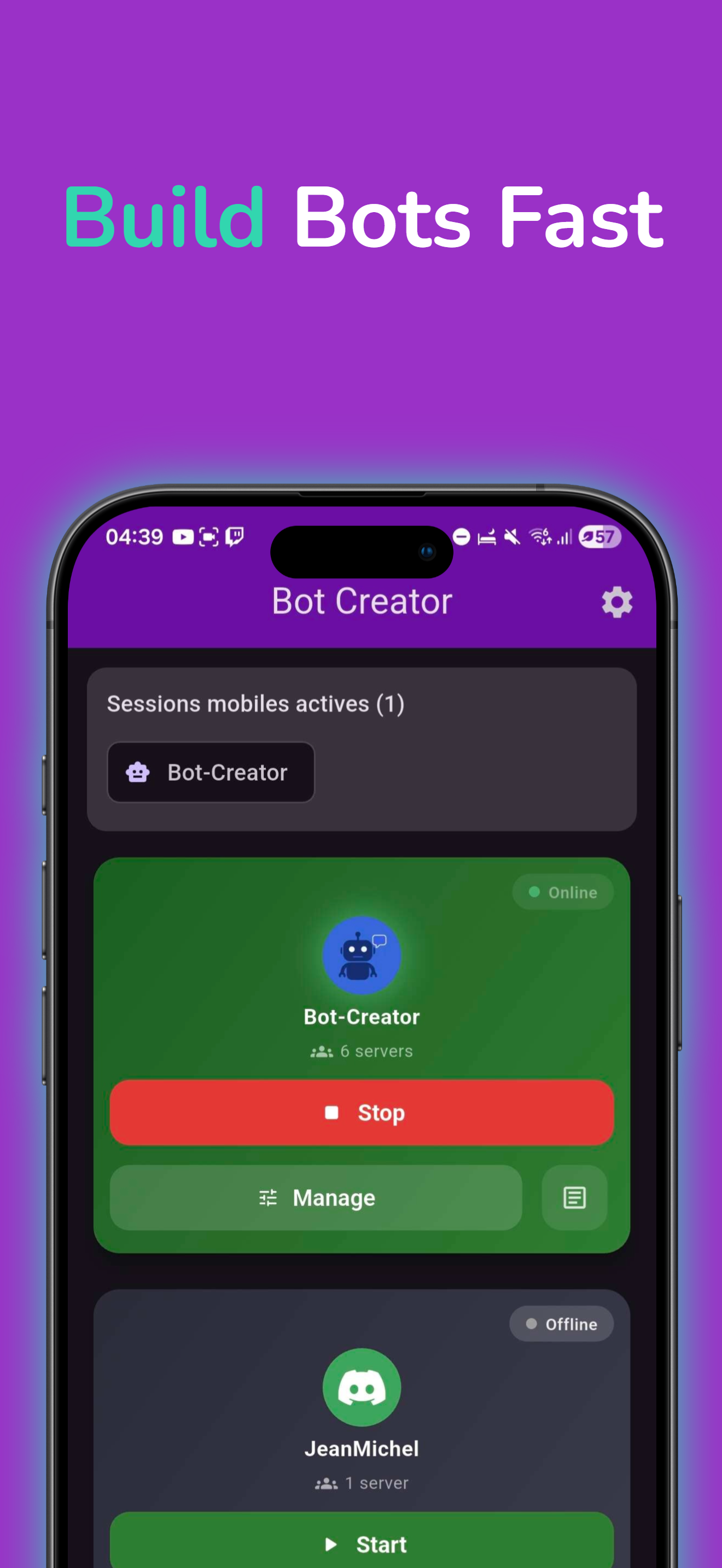
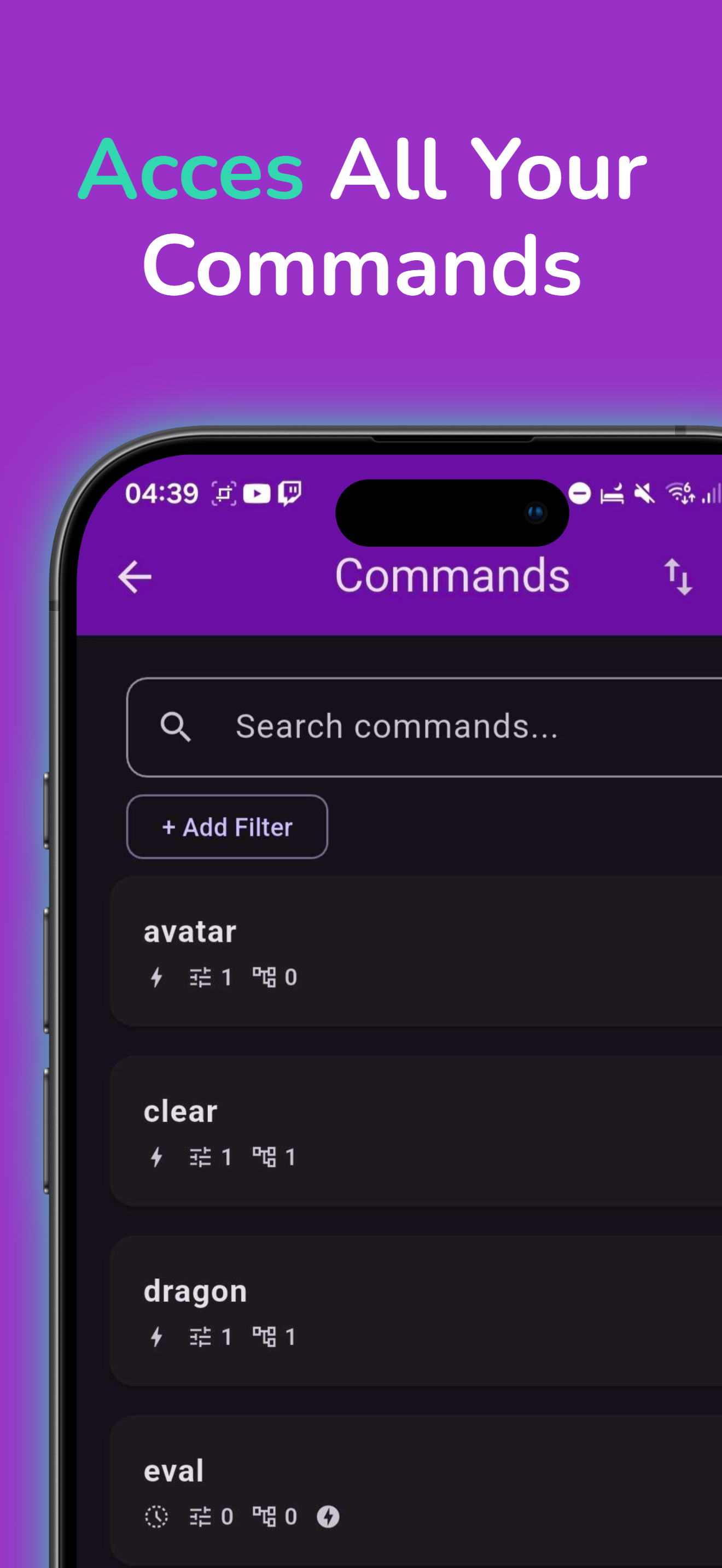
Visual simplicity, functional power.
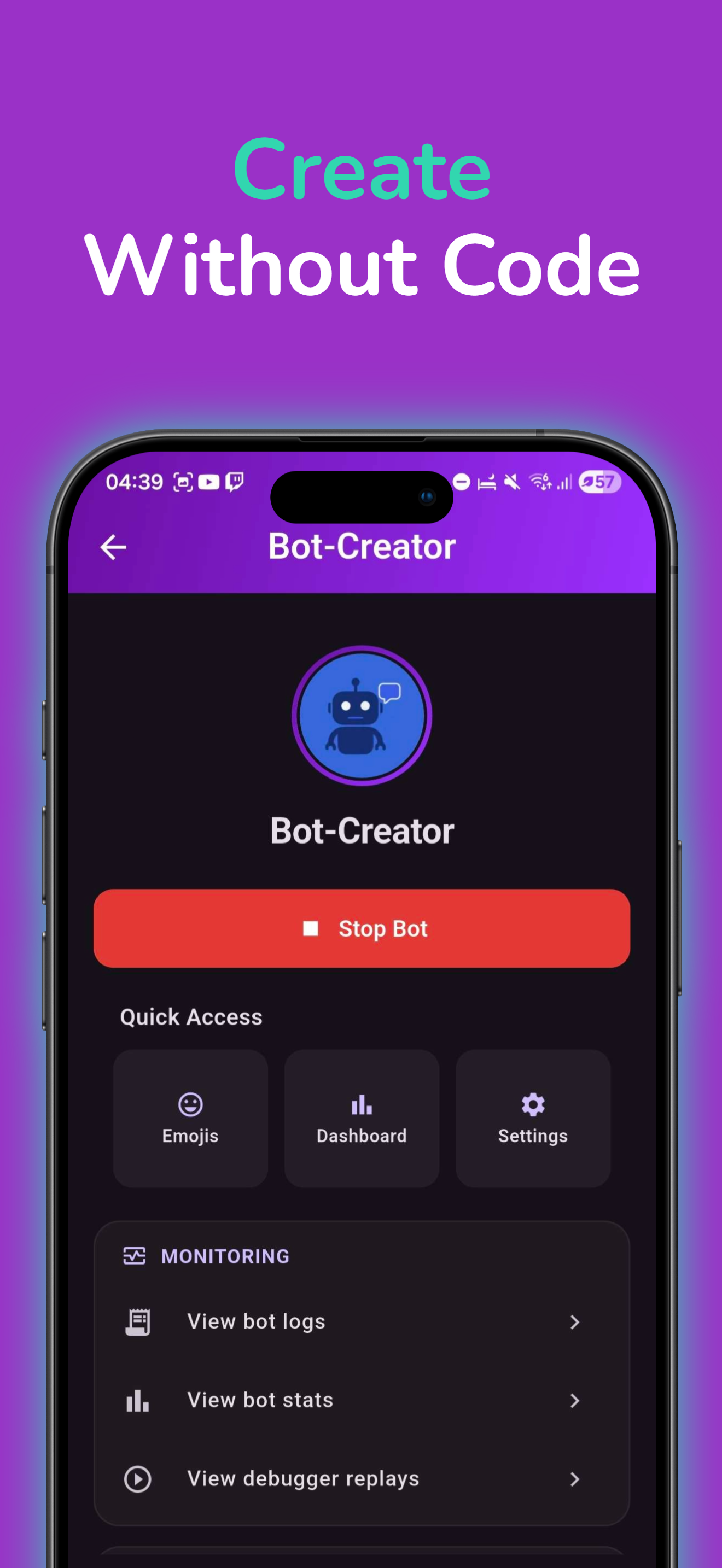
Drag and drop logic blocks to define your bot's behavior in seconds.
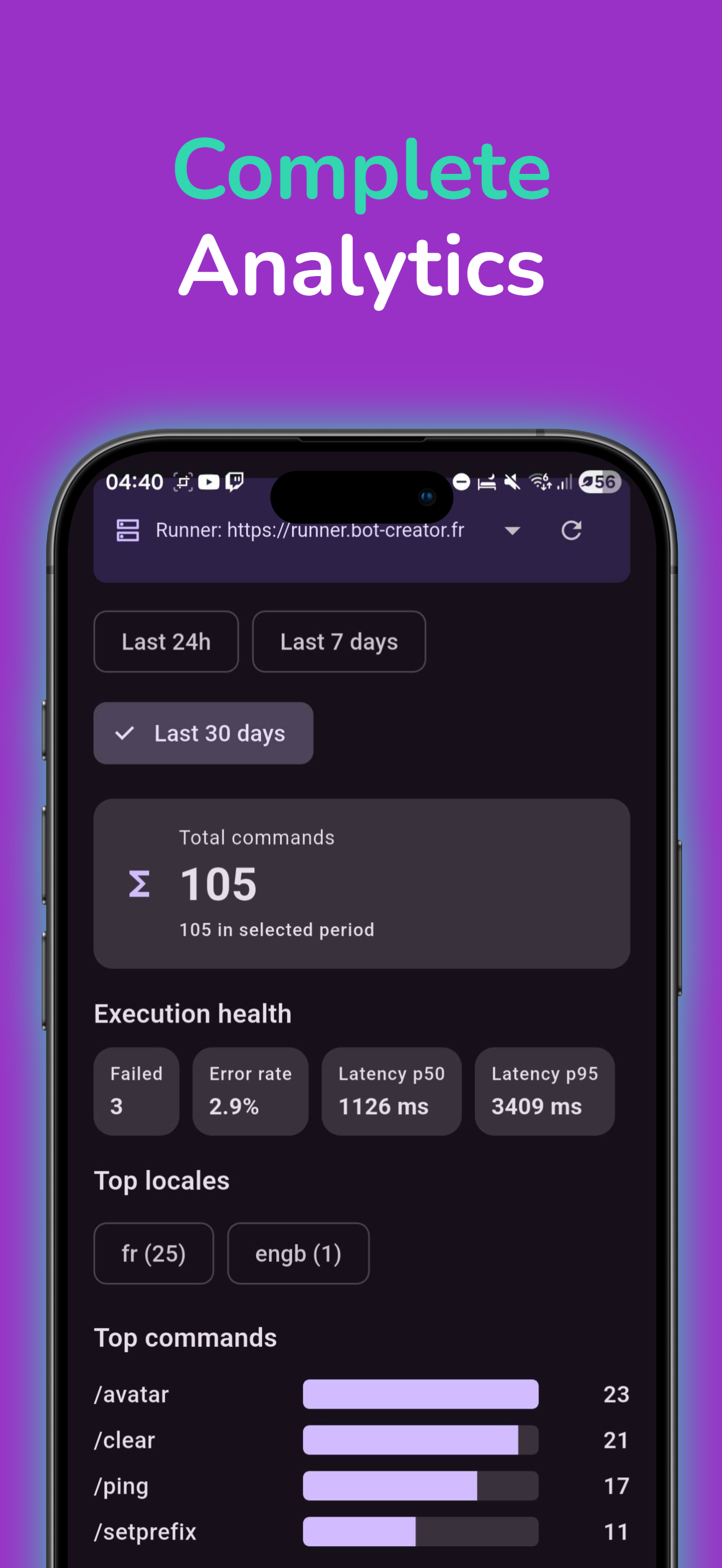
Track your automation performance in real-time with clear and precise graphs.
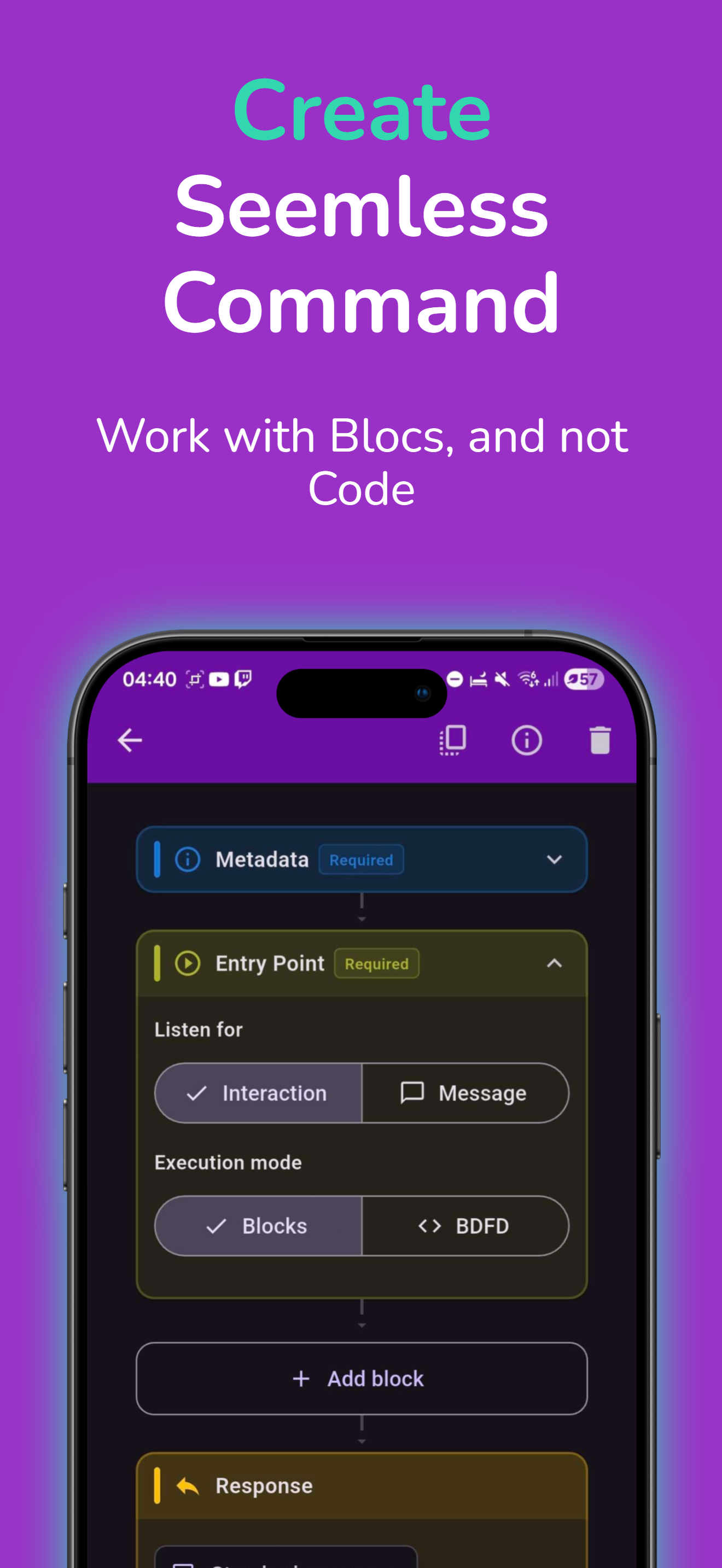
Don't start from scratch. Use our pre-configured templates for common tasks.
Learn how to master mobile automation.
Learn how to configure and run the Bot Creator Runner in API mode via Docker for optimal bot synchronization.
Read guide chevron_right
Build a clean Bot Creator slash command with clear metadata, reliable responses, and reusable actions.
Read guide chevron_right
Create a Discord bot token, secure it correctly, and add it to Bot Creator with a clean setup.
Read guide chevron_rightJoin thousands of users who save time every day with their own custom bots.