Build, run, and control Discord bots from one workspace.
Design commands with visual blocks, BDFD $functions or JavaScript. Host from the app or on the Docker runner for 24/7 uptime.
Mobile, desktop, and Docker. Read the docs
Try it without installing anything
Edit Bot Creator blocks or paste a BDFD snippet and see the Discord message it would draw. It runs in your browser: nothing is sent anywhere and nothing is executed.
The preview draws the message of the reply and send blocks. It is an approximation of Discord, not the engine.
Three ways to build the same bot
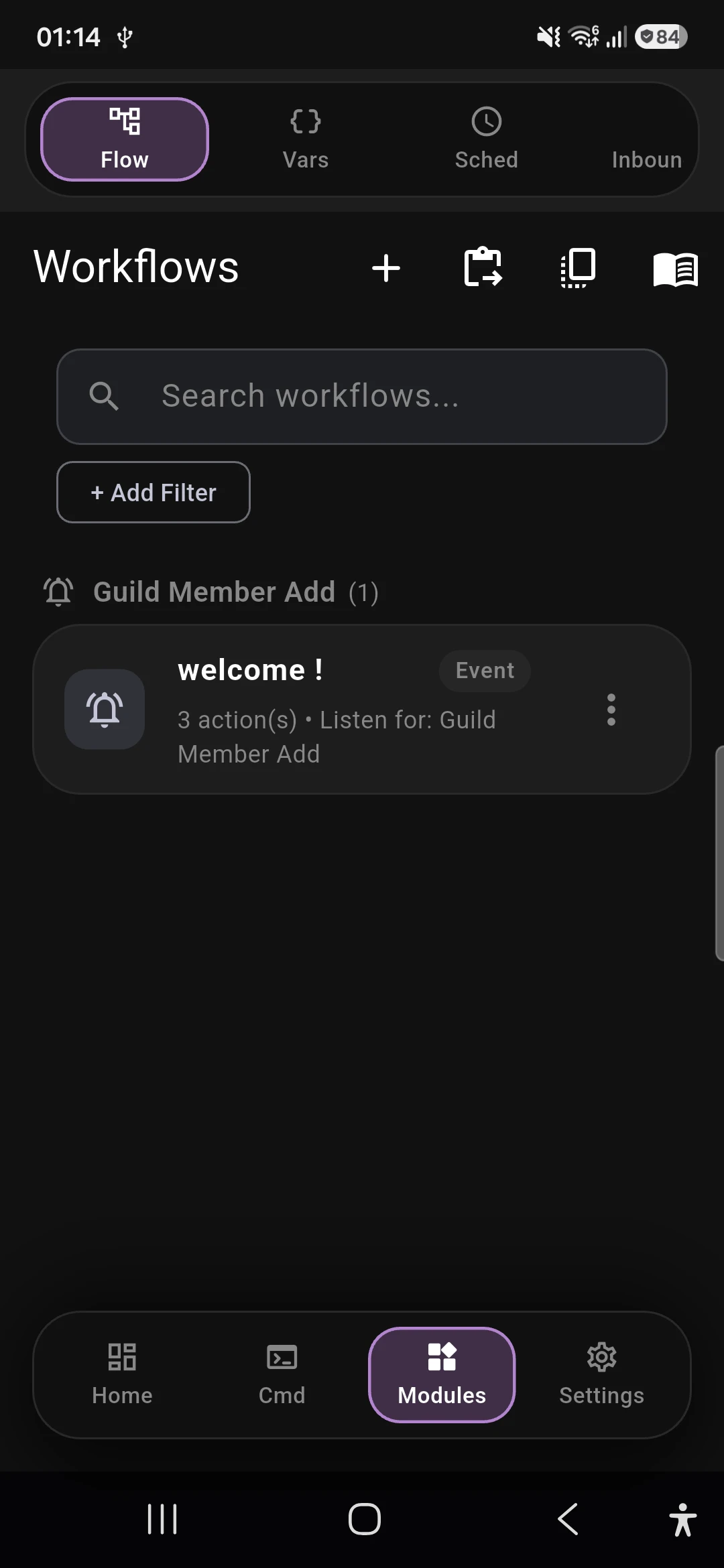
Start visually and move to code when you need it. Every function in the reference is also available in the block builder.
Visual blocks
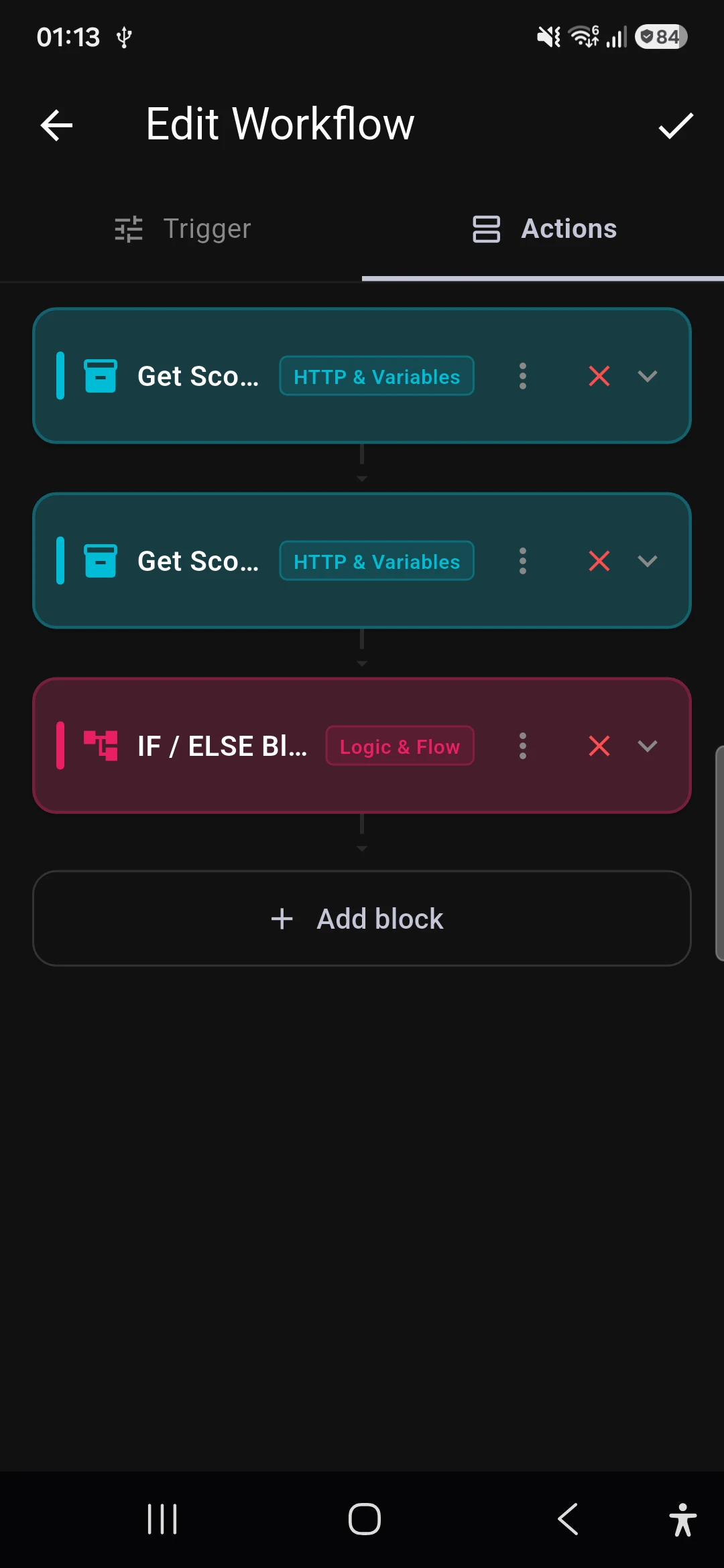
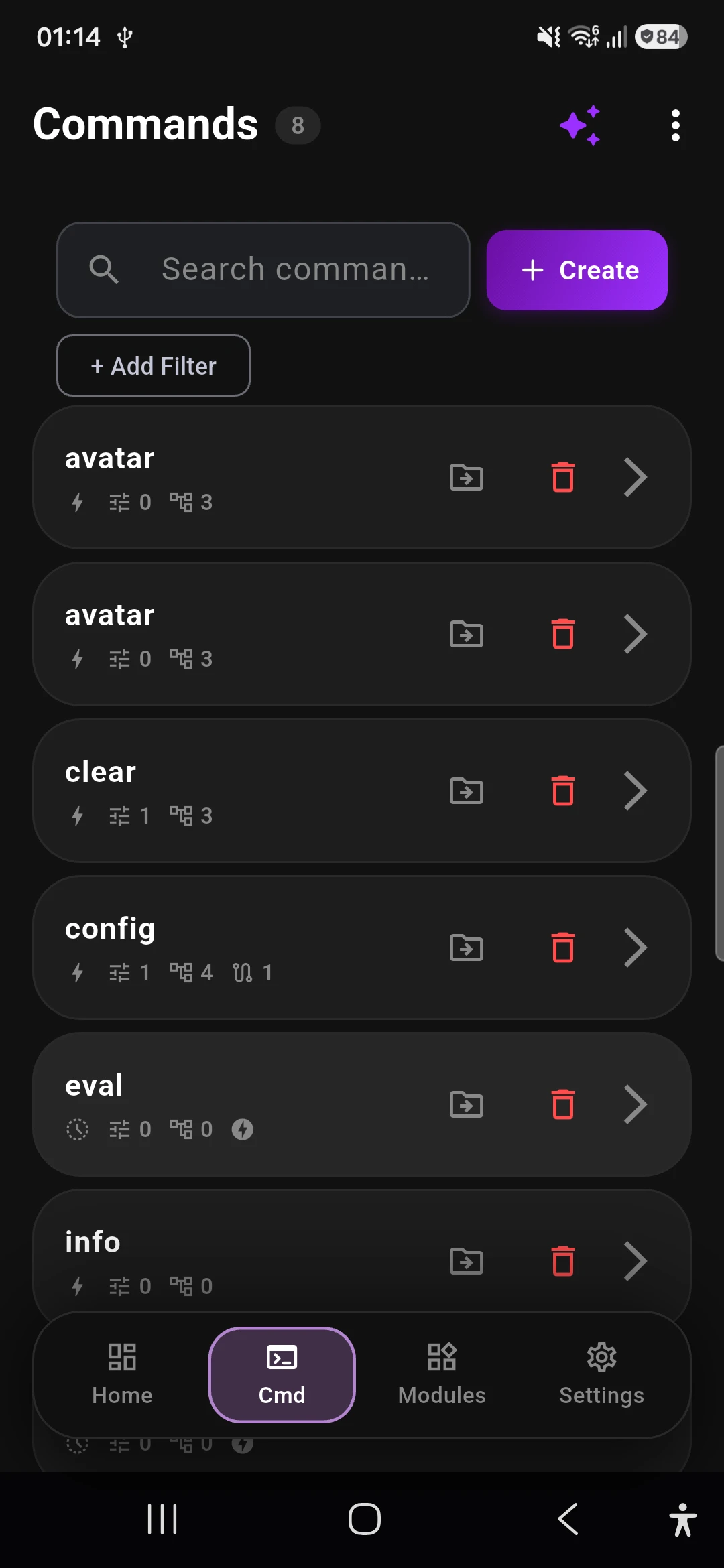
Stack blocks for messages, buttons, channels and moderation. Create and edit commands from your phone.
Explore blocks$functions
Write BDFD scripts with the full $function reference at hand, from $if to $cooldown.
$title[Pong!]
$description[$ping ms]JavaScript
Script with the JavaScript API, including db.* for persistence and interaction for replies.
From token to online in three steps
-
1
Create your bot
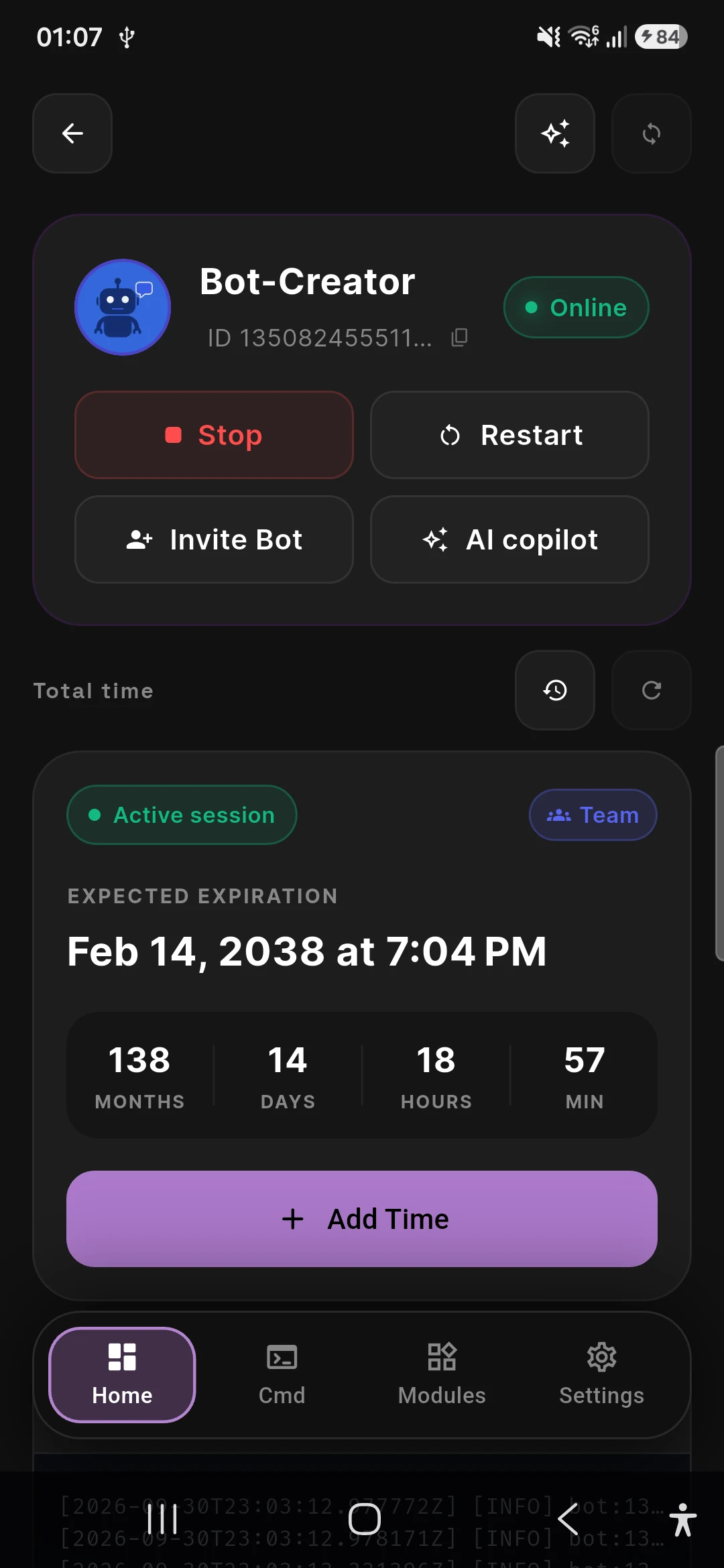
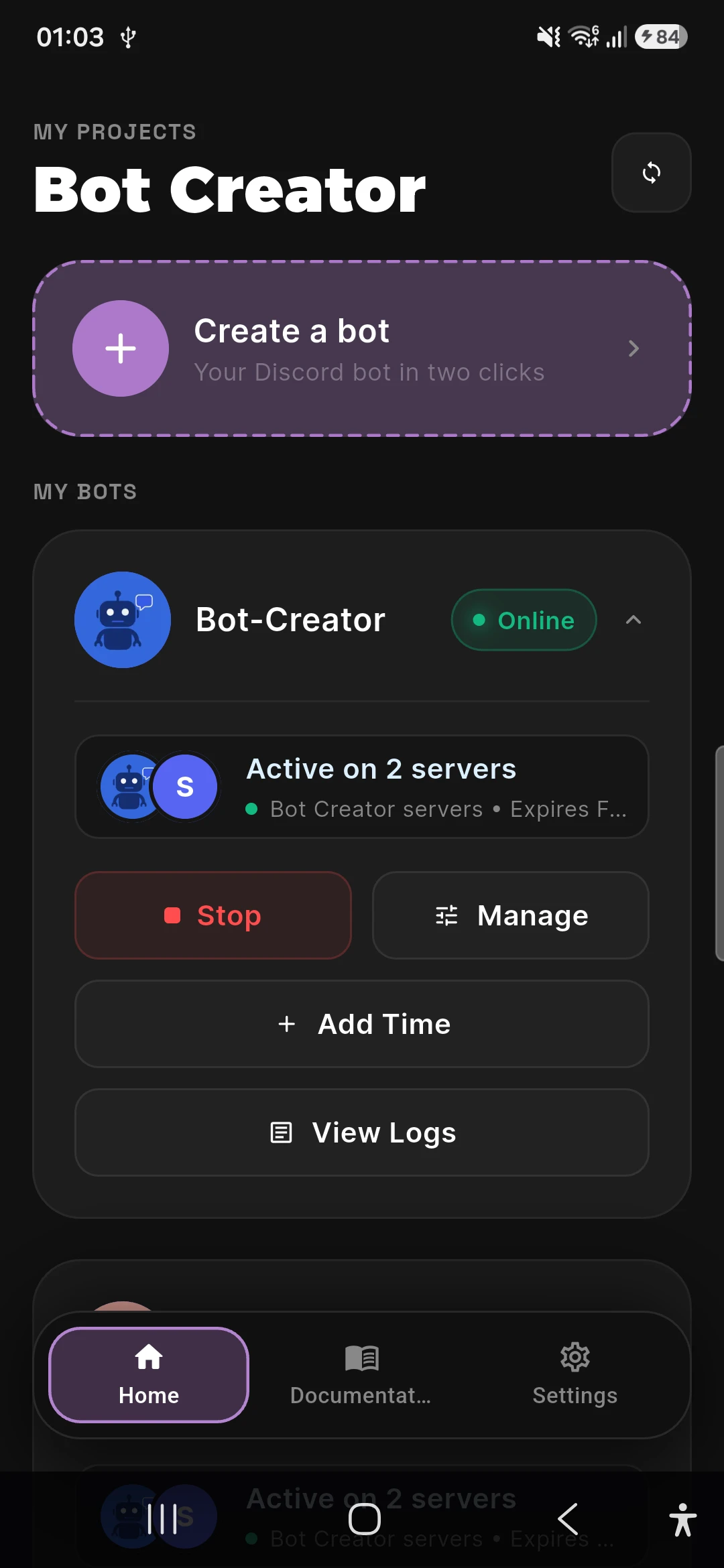
Generate a Discord bot token and add it to Bot Creator.
-
2
Write your first command
Use the visual builder or BDJS JavaScript — see the guides and function reference.
-
3
Deploy and monitor
Host from the app or use the Docker runner for 24/7 uptime.
A reference you can actually search
Over 600 reference pages for BDFD $functions and the JavaScript API, written to be read on a phone.
What you can build
Questions and answers
Is Bot Creator free?
You can download it for free. The free version of the apps shows ads (Google AdMob); a paid subscription, bought in the app stores, removes them. Prices are set by the stores and can vary by country.
Do I need to know how to code?
No. You can build commands with visual blocks. If you want more control, you can write BDFD $functions or JavaScript.
Can I build a bot from my phone?
Yes. Bot Creator is on Google Play and the App Store, and you can create and edit commands from your phone.
Where does my bot run?
You can host it from the app, or run it yourself with the Docker runner on a Linux server or a Raspberry Pi so that it stays online. See the Docker runner guide for the steps.
Is my bot token safe?
If you only use the app with your own bot and local features, the token stays on your device, in the system secure storage. If you sign in with Discord, use cloud hosting, the Copilot or the web console and save your bot to the cloud, the token is stored on our servers, encrypted at rest. Details are in the privacy policy. Never share your token.
Run it where you work
Download Bot Creator for mobile or desktop, or connect the Docker runner for a bot that stays online.