
Mobile
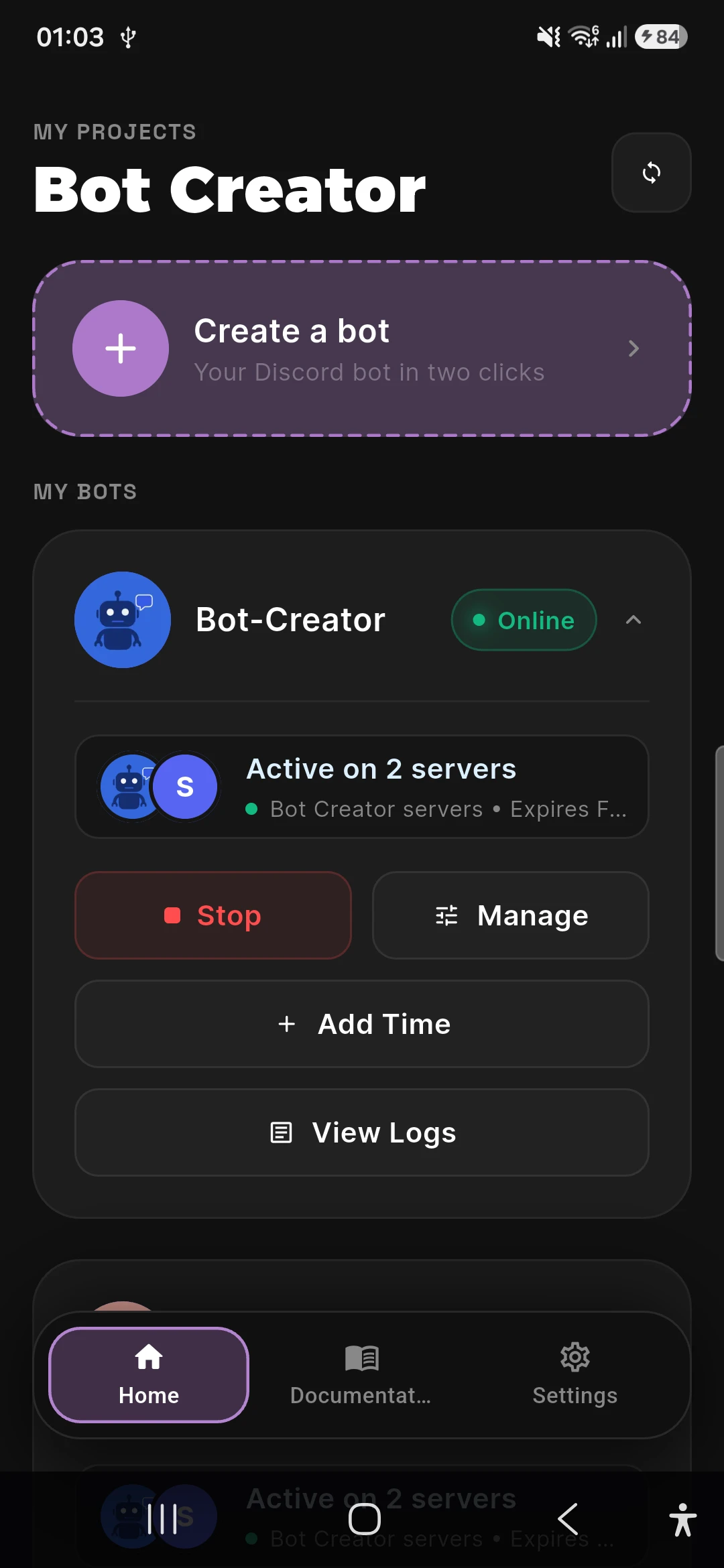
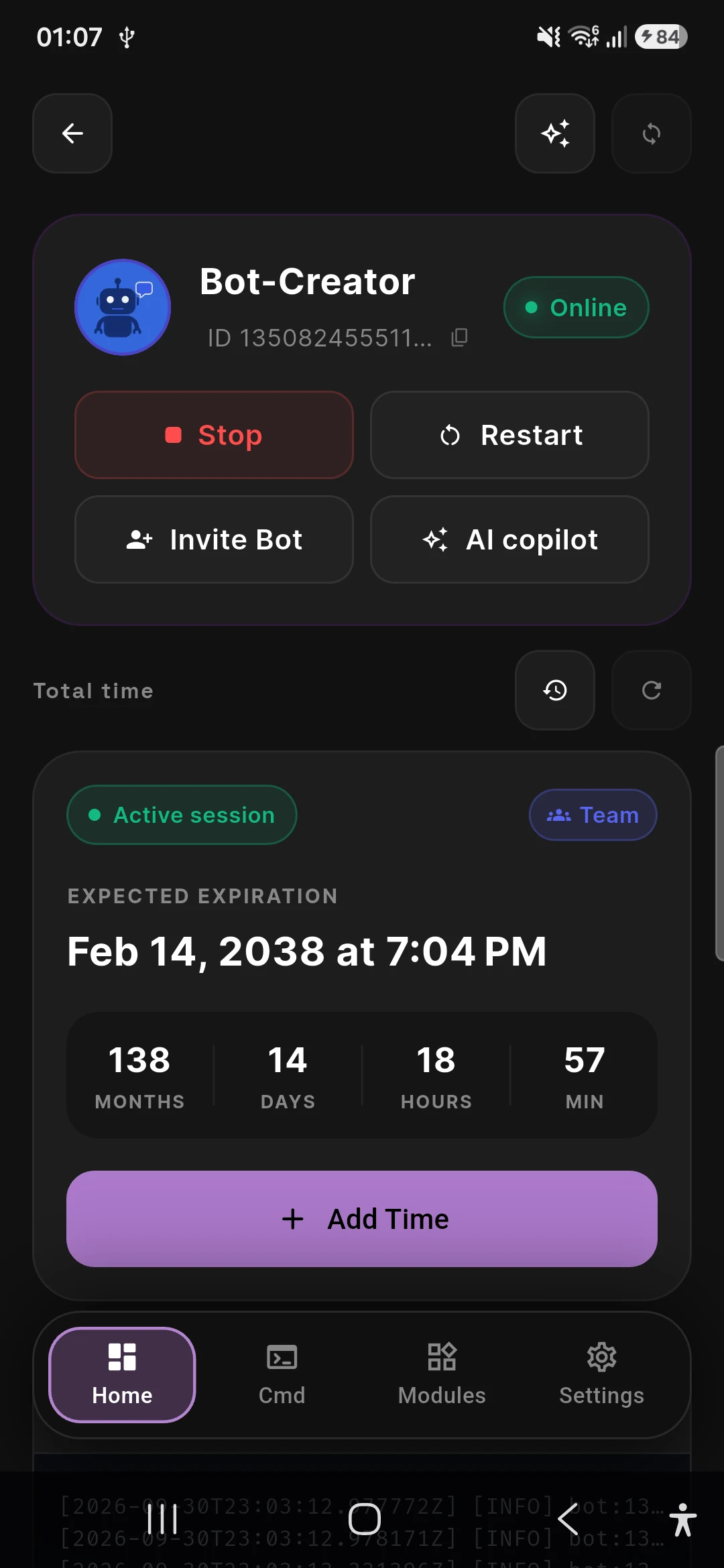
Build and review bot logic on the go. Best for creators and moderators who need to act fast.
Most teams should start with the app on mobile or desktop. The Docker runner is available when you want local workstation control or a longer-lived remote runtime.
Build and review bot logic on the go. Best for creators and moderators who need to act fast.
A spacious workspace for designing commands and organizing logic on Windows, MacOS, and Linux.
Browser-based runtime for Linux servers, Raspberry Pi, or remote hosts. Designed for uptime.
Mobile & desktop app
Design commands, manage variables, and monitor bots from the app — the recommended starting point for most teams.
Deploy & scale
Start with managed app hosting, then move to the Docker runner when you need server-side uptime.
Advanced Setup
The runner is designed for teams that already manage the bot in the app and want a browser-based runtime on a server or Raspberry Pi.
Browser-based runtime
Access your bot control panel from any browser on your network.
Persistent state
Logs and state persist in mounted Docker volumes for reliable operations.
1. Pull the image
docker pull ketsuna-org/bot-creator-runner:latest
2. Create the volume
docker volume create bot_creator_data
3. Start the runner
docker run --rm -p 8080:8080 -e BOT_CREATOR_WEB_HOST=0.0.0.0 -e BOT_CREATOR_API_TOKEN=your_token -v bot_creator_data:/data ketsuna-org/bot-creator-runner:latest